 Free preview
Temporal 101: Introducing the Temporal Platform
Start free preview
Temporal makes long-running, multi-step work reliable - even when servers crash, networks blink, or downstream services time out. In about an hour you can have your first Workflow running, then go deeper through the courses.
Three short steps. Each links to the per-SDK guide; pick your language there.
Once your first Workflow is running, take one of our free, foundational courses.
The vocabulary you'll see across the docs and courses.
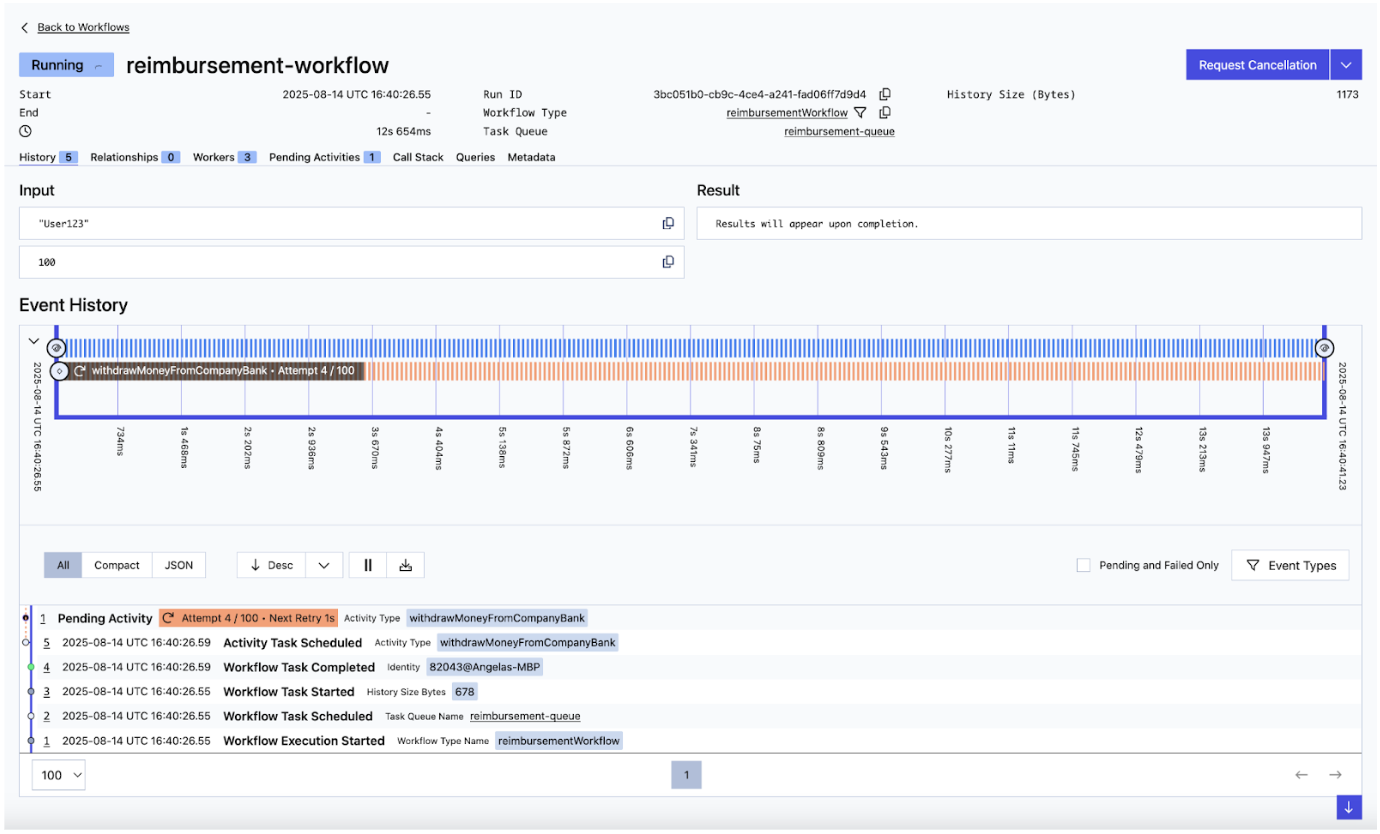
A function that orchestrates work. Reliably executes to completion, even across failures or restarts.
A unit of work called from a Workflow. Activities can talk to the outside world (databases, APIs, anything that might fail).
A process you run that executes Workflow and Activity code. Workers pull tasks from a Task Queue.
Where the Temporal Service hands tasks to Workers. You name it; Workers listen on it.
Temporal makes it easier for developers to build and operate reliable, scalable applications without sacrificing productivity. The design of the system ensures that, once started, an application's main function executes to completion - whether that takes minutes, hours, days, weeks, or even years.
Temporal records the steps your code takes as it runs. If the process crashes or restarts, your code replays through the recorded steps to recover its state, then continues from where it left off - no manual recovery code needed.
For local development you can spin one up with the Temporal CLI in seconds. In production you can self-host or use Temporal Cloud.
New courses, tutorials, and learning resources - straight to your inbox.
 Community Slack
 Developer Forum
 Documentation